https://weighteddown.stayupfront.com/changelog/export-your-own-data
Export your own data
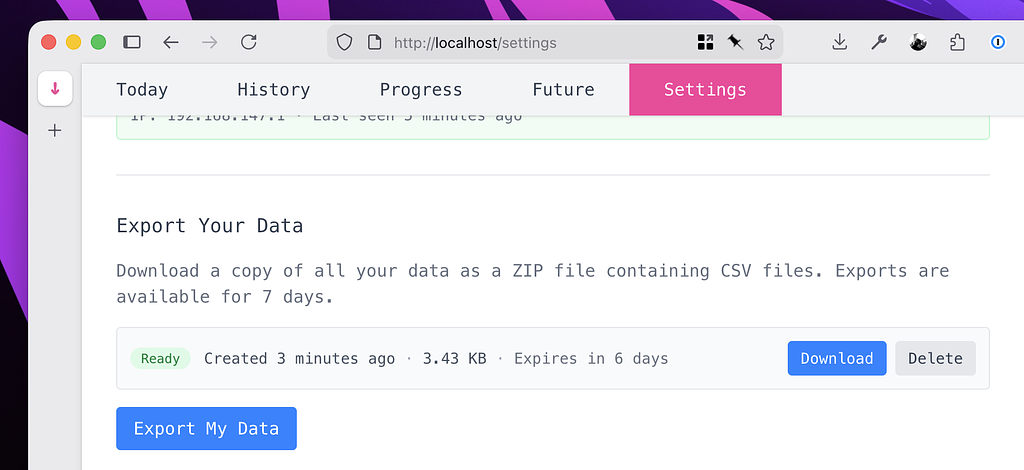
You can now request a data export directly from the settings page.
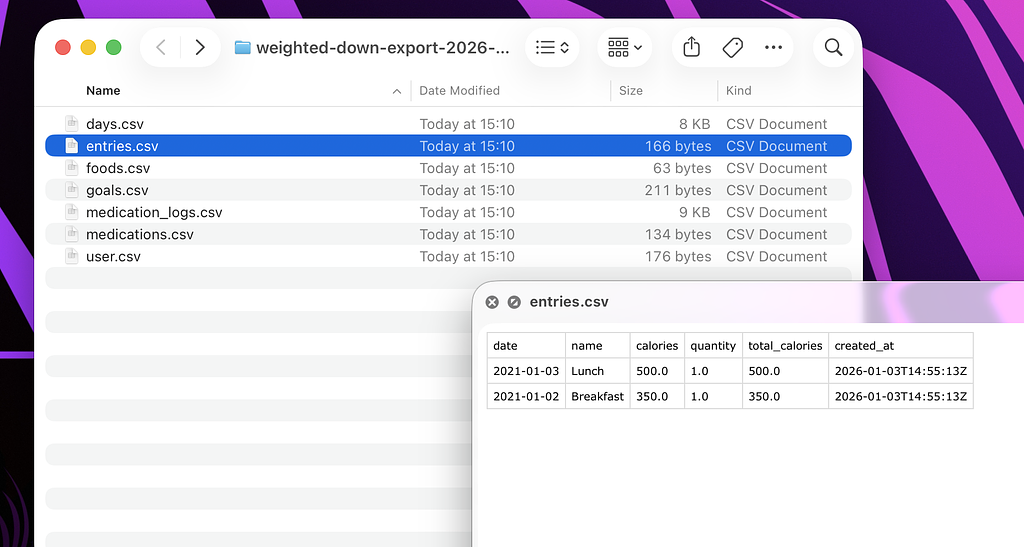
Exports will be automatically deleted after a week, and you can have up to 3 exports at once. All data is exported in a .csv format so you can easily import it to Excel or similar.